Objective Comparison
Figma vs framer vs webflow
-
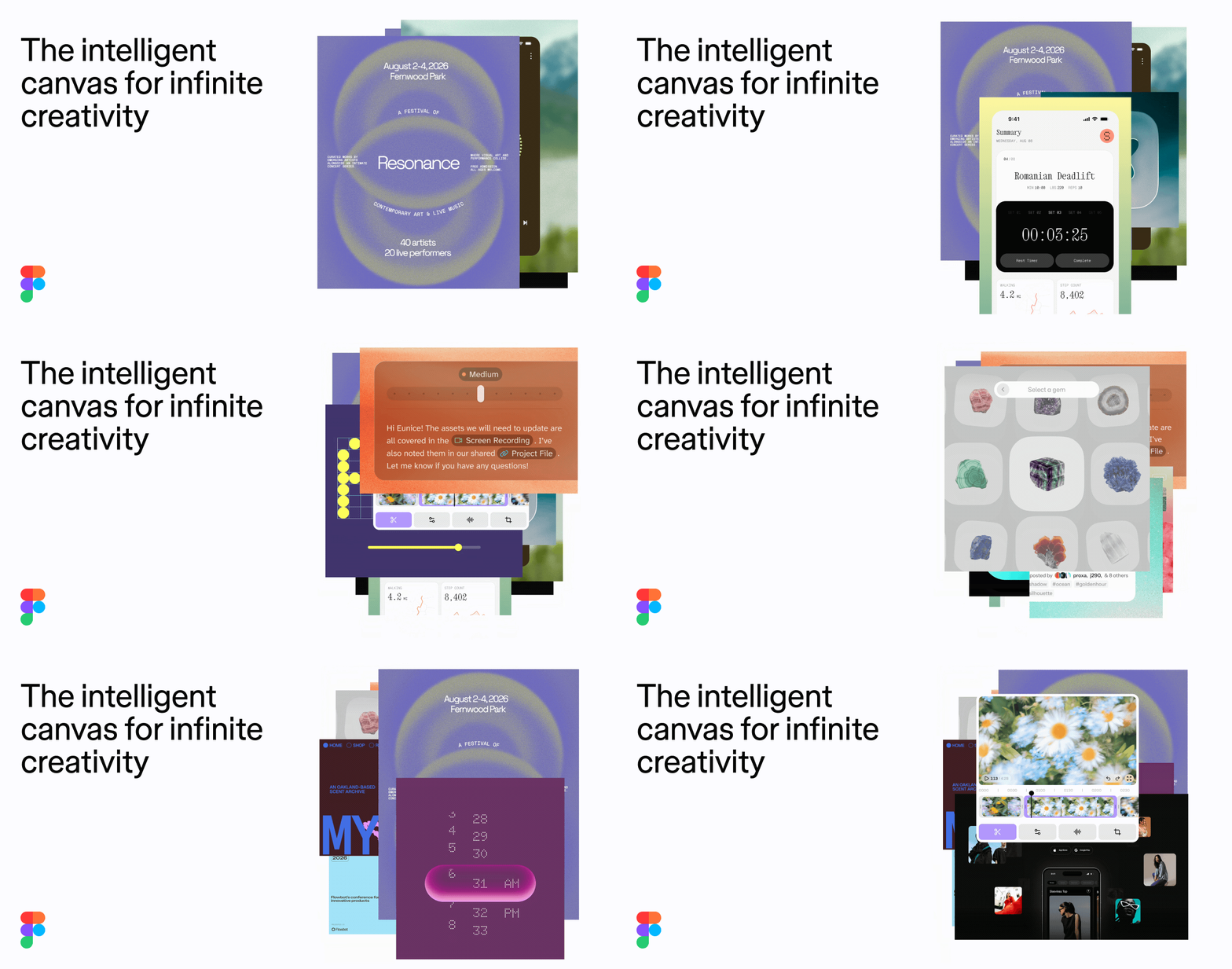 Figma
Photo: figma.com
Figma
Photo: figma.com
-
 framer
Photo: framer.com
framer
Photo: framer.com
-
 webflow
Photo: webflow.com
webflow
Photo: webflow.com
The Verdict
For a portfolio website, Framer is the best balance of design freedom and ease of use. If you require advanced SEO and scalable content management, Webflow is the superior, albeit more complex, alternative.
Detailed Attribute Comparison
| Attribute | Figma | framer | webflow |
|---|---|---|---|
| Primary Use Case | UI/UX design and prototyping | No-code website building for designers | Professional visual web development |
| Learning Curve | Moderate (industry standard) | Low to Moderate | High |
| Design-to-Web Hand-off | Not applicable (primarily design-focused) | Direct; publish directly from design canvas | Requires separate development or building process |
| Content Management (CMS) | None (not a CMS) | Built-in, beginner-friendly CMS | Advanced, relational database CMS |
| Starting Price (Annual) | Free (Starter) / $16 per seat/month | Free (Subdomain) / ~$10+ per month (Custom Domain) | $14 per month |
Sources
8 sites were read by a live web search while this comparison was written.
- youtube.com
- illustration.app
- help.figma.com
- builder.io
- flowout.com
- framer.com
- saascrmreview.com
- creativecorner.studio
Searches run:
- “what is Framer used for portfolio”
- “is Figma a website builder”
- “Figma vs Framer vs Webflow for portfolio website”
- “Figma pricing tiers”
- “what is Webflow used for portfolio”
- “Framer pricing tiers”
- “Webflow pricing tiers”