Objective Comparison
Figma vs Framer vs Webflow
-
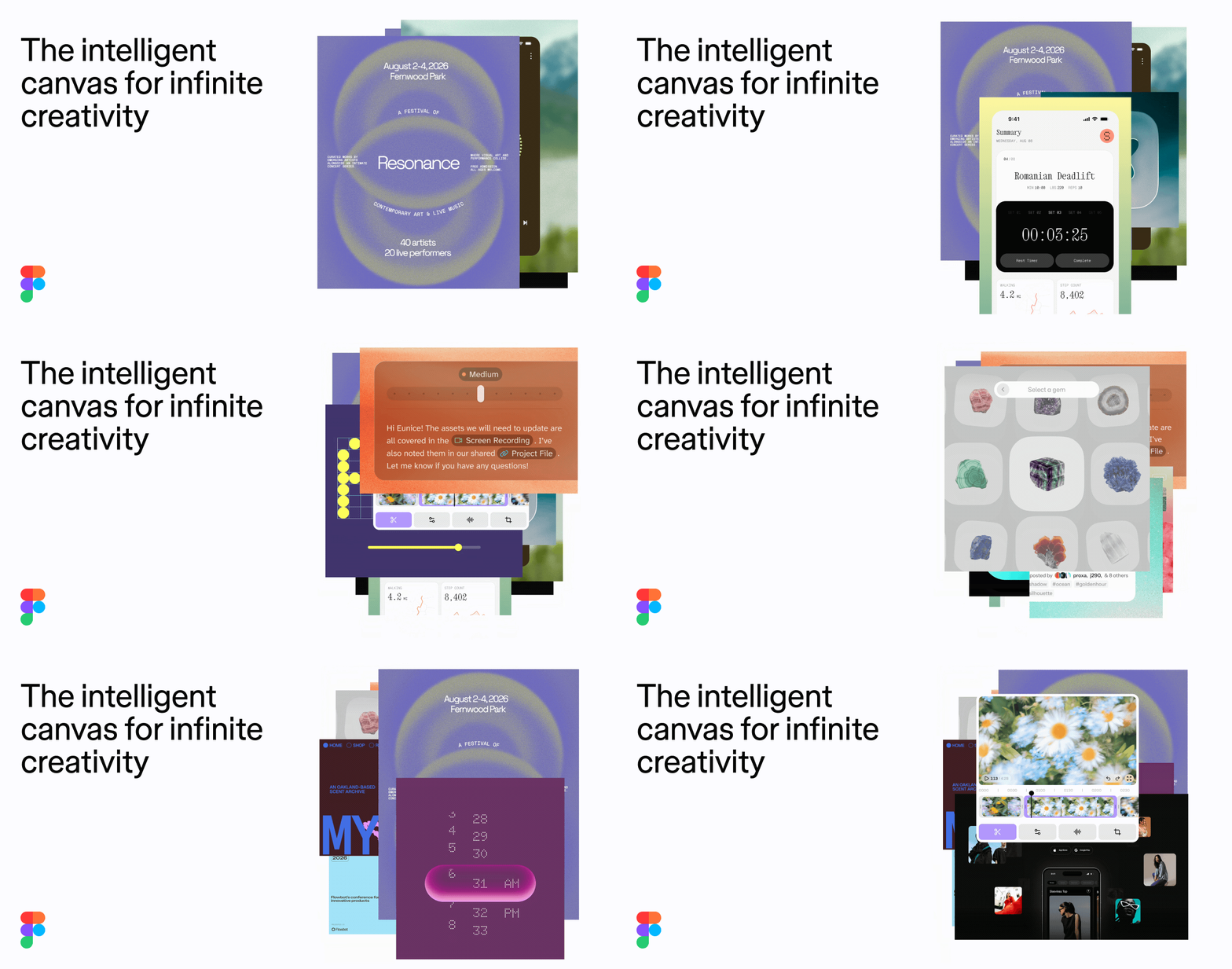 Figma
Photo: figma.com
Figma
Photo: figma.com
-
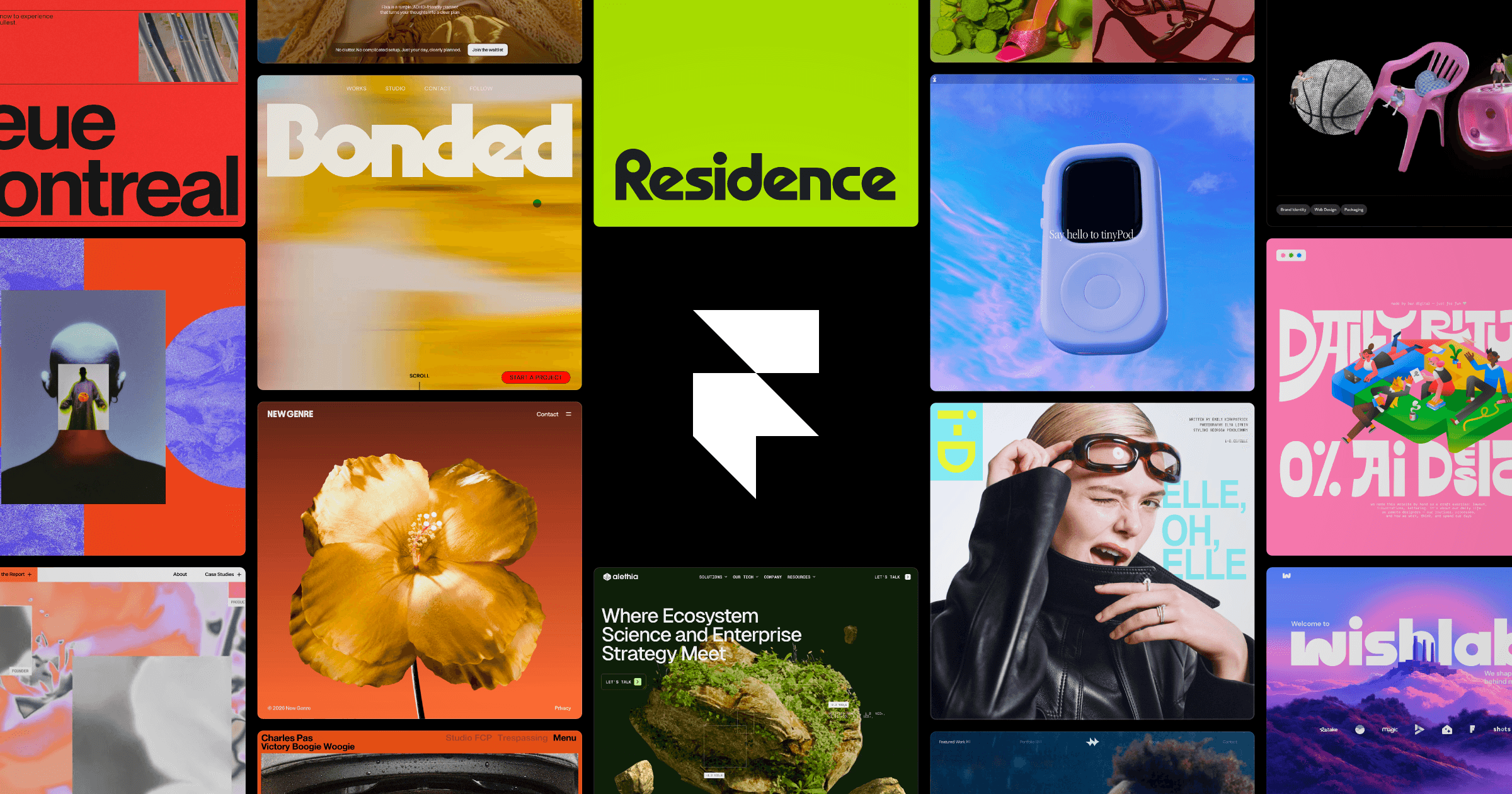 Framer
Photo: framer.com
Framer
Photo: framer.com
-
 Webflow
Photo: webflow.com
Webflow
Photo: webflow.com
The Verdict
For a photographer seeking a professional portfolio, Framer is the superior choice because it provides design-centric creative control without the technical complexity of Webflow or the limitations of a shared Figma link. It balances high-end aesthetics with an intuitive, visual workflow that respects your time behind the camera.
Detailed Attribute Comparison
| Attribute | Figma | Framer | Webflow |
|---|---|---|---|
| Learning Curve | Low (for designers) | Low to Moderate | High (Steep) |
| Best Use Case | UI/UX Design & Prototyping | Creative/Design-led Portfolios | Scalable Production Sites |
| Entry Price (Annual Billing) | $0 (Free/Starter) | $10/month (Basic) | $15/month (Basic) |
| Custom Domain Support | Not natively standard for portfolios | Included in paid plans | Included in Site plans |
| Primary Sharing Method | Direct Prototype Link | Published Web URL | Published Web URL |
| Ideal Target Audience | Design Teams | Designers & Creatives | Agencies & Dev-minded teams |
Sources
15 sites were read by a live web search while this comparison was written.
- ecomm.design
- uxdesign.cc
- youtube.com
- builder.io
- illustration.app
- reddit.com
- thedesignerreview.com
- digital4design.com
- oma-kase.com
- frameplate.co
- goodspeed.studio
- blog.soloist.ai
- karpi.studio
- flowninja.com
- landerlab.io
Searches run:
- “comparison of Figma Framer Webflow for photographers portfolio”
- “Figma pricing and core purpose for portfolio website”
- “is Figma a website builder”
- “Webflow pricing and learning curve for non-developers photographers”
- “Framer website builder features for photographers pricing”