Objective Comparison
figma vs Framer
-
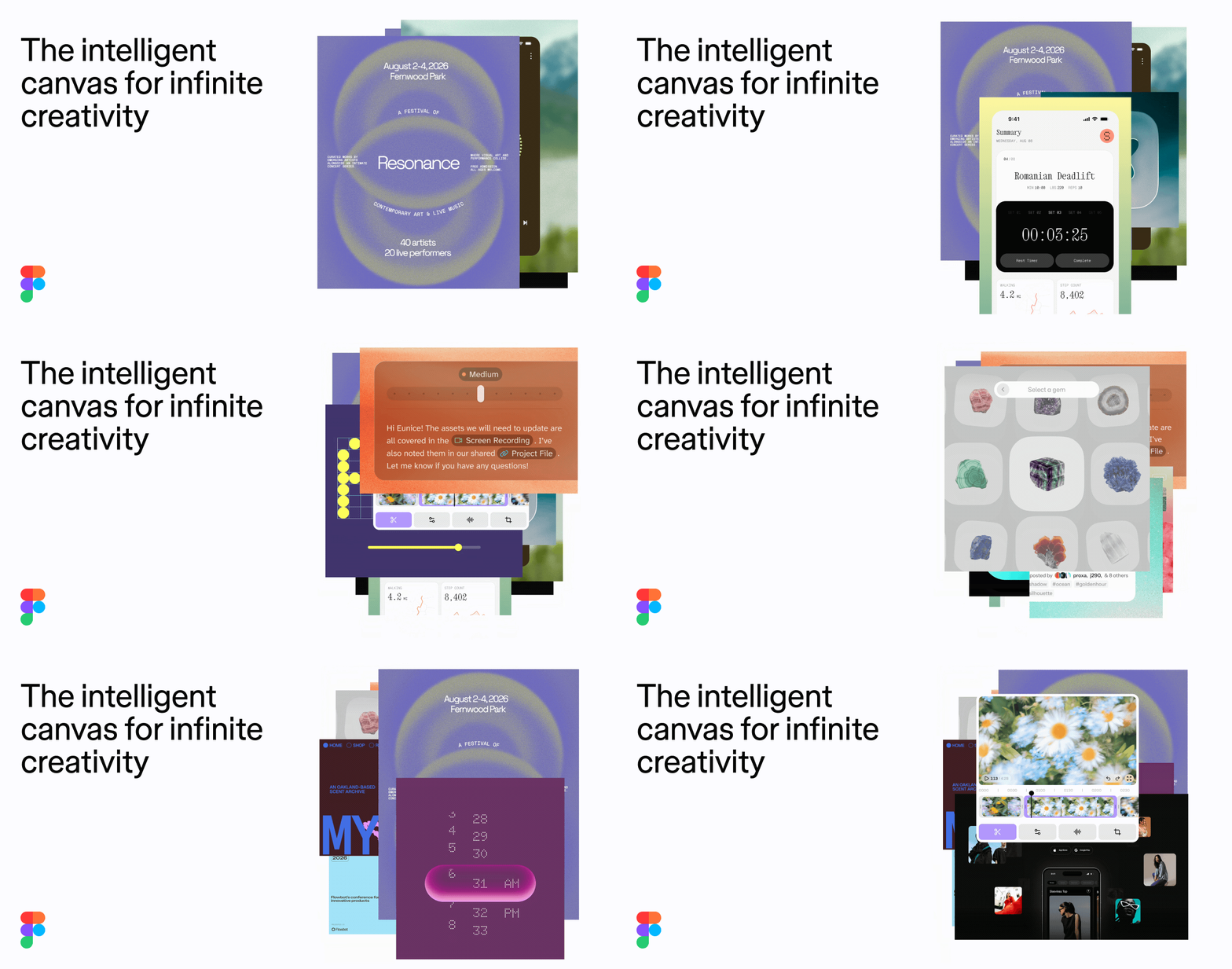 figma
Photo: figma.com
figma
Photo: figma.com
-
 Framer
Photo: framer.com
Framer
Photo: framer.com
The Verdict
For a portfolio website, Framer is the superior choice as it handles both design and live hosting. Figma is better suited for designing the look of your portfolio if you plan to build it elsewhere.
Detailed Attribute Comparison
| Attribute | figma | Framer |
|---|---|---|
| Primary Function | Interface design and prototyping | No-code website building and publishing |
| Live Publishing | Not natively supported for live site hosting | Native hosting and custom domain support |
| Free Tier Allowance | 3 design files, 30-day version history | Unlimited design use, but no custom domain |
| Entry-Level Paid Price | $12–$16 per user/month | $10 per month (annual billing) |
| Learning Curve | Steep for complex design systems | Moderate (requires understanding web layout logic) |
| Export Options | Assets (PNG, SVG, PDF) and CSS/code snippets | None (Vendor lock-in) |
| CMS Capabilities | None | Robust built-in CMS for portfolios and blogs |
| Collaboration | Real-time design collaboration | Real-time site editing and team roles |
| Data Portability | High (design assets are portable) | Low (locked to Framer platform) |
| Known issues | Performance lag in large files; complex seat billing; steep learning curve | Vendor lock-in (no code export); billing opacity; performance bloat with unoptimized assets |
Sources
15 sites were read by a live web search while this comparison was written.
- ecomm.design
- ffnext.io
- reddit.com
- spreadsimple.com
- nocode.mba
- checkthat.ai
- usecarly.com
- vendr.com
- framer.com
- goodspeed.studio
- oma-kase.com
- trustpilot.com
- crazyegg.com
- medium.com
- rapidevelopers.com
Searches run:
- “Figma common user complaints”
- “Figma vs Framer for personal portfolio website”
- “Figma pricing and core capabilities for portfolio”
- “Framer pricing and core capabilities for portfolio”
- “Framer common user complaints”